





Without task time tracking
- Time spent is disconnected from the work itself.
- A weekly total does not explain which task took time.
- Looking back depends on memory or separate notes.
- Planning the next routine starts with guesswork.
PRODUCT
Track the time spent on work.
30-day free trial. No credit card required.
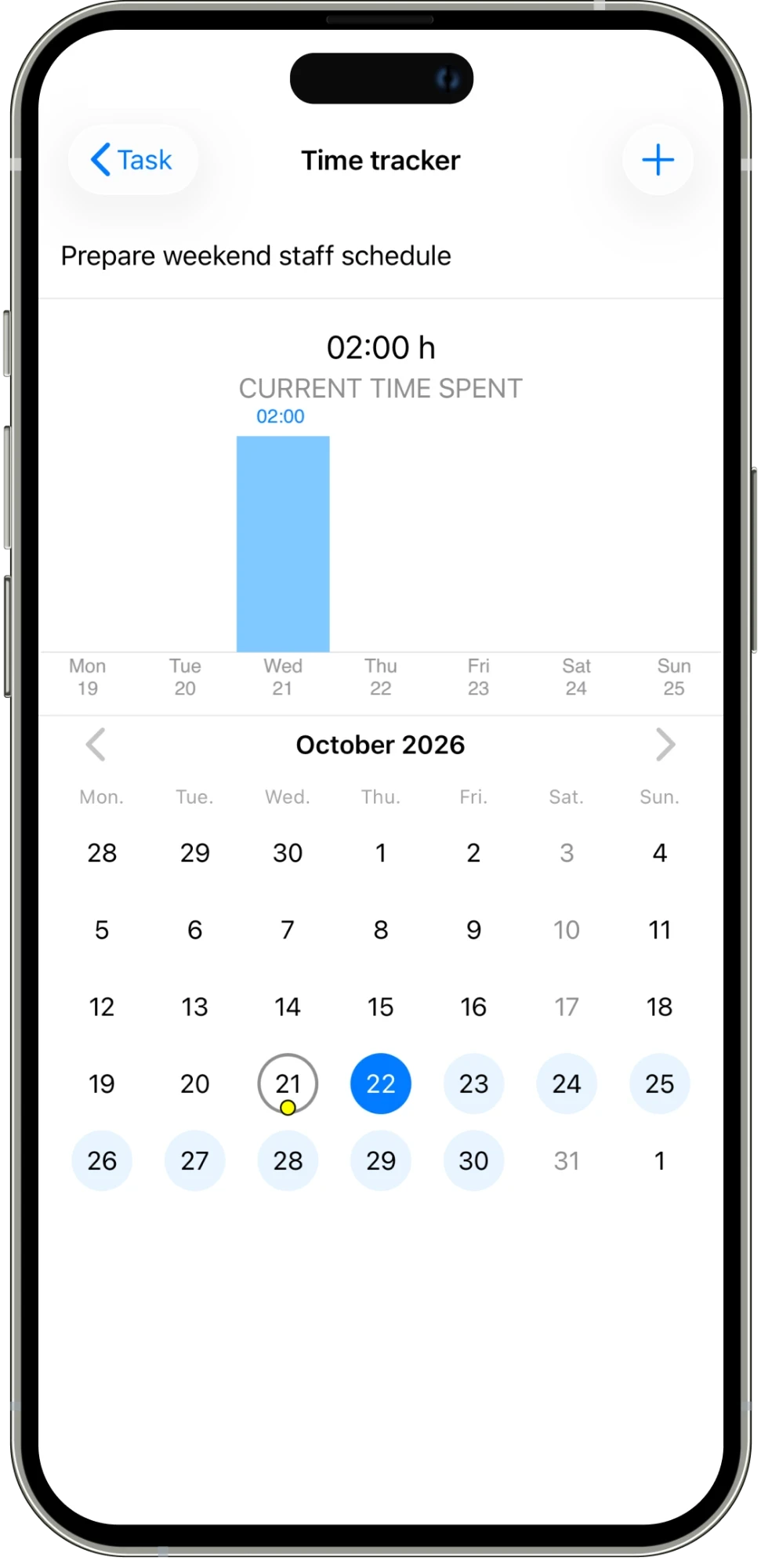
Track the time spent on a task and review it by day. A simple time summary and calendar make it easier to look back at the work.
01
Keep the time spent connected to the task.
02
See the current time spent on the work.
03
Use the calendar and daily chart to review recorded time.
IN THE DETAILS
A time total is more useful when you know which work it belongs to. Open time tracking from a task and keep the recorded time connected to that piece of work. The current time spent gives you a summary, while the daily chart helps you see when the work happened. Use this alongside the task’s instructions and updates to understand the effort behind a repair, report, or planning task.
CONNECTED WORK
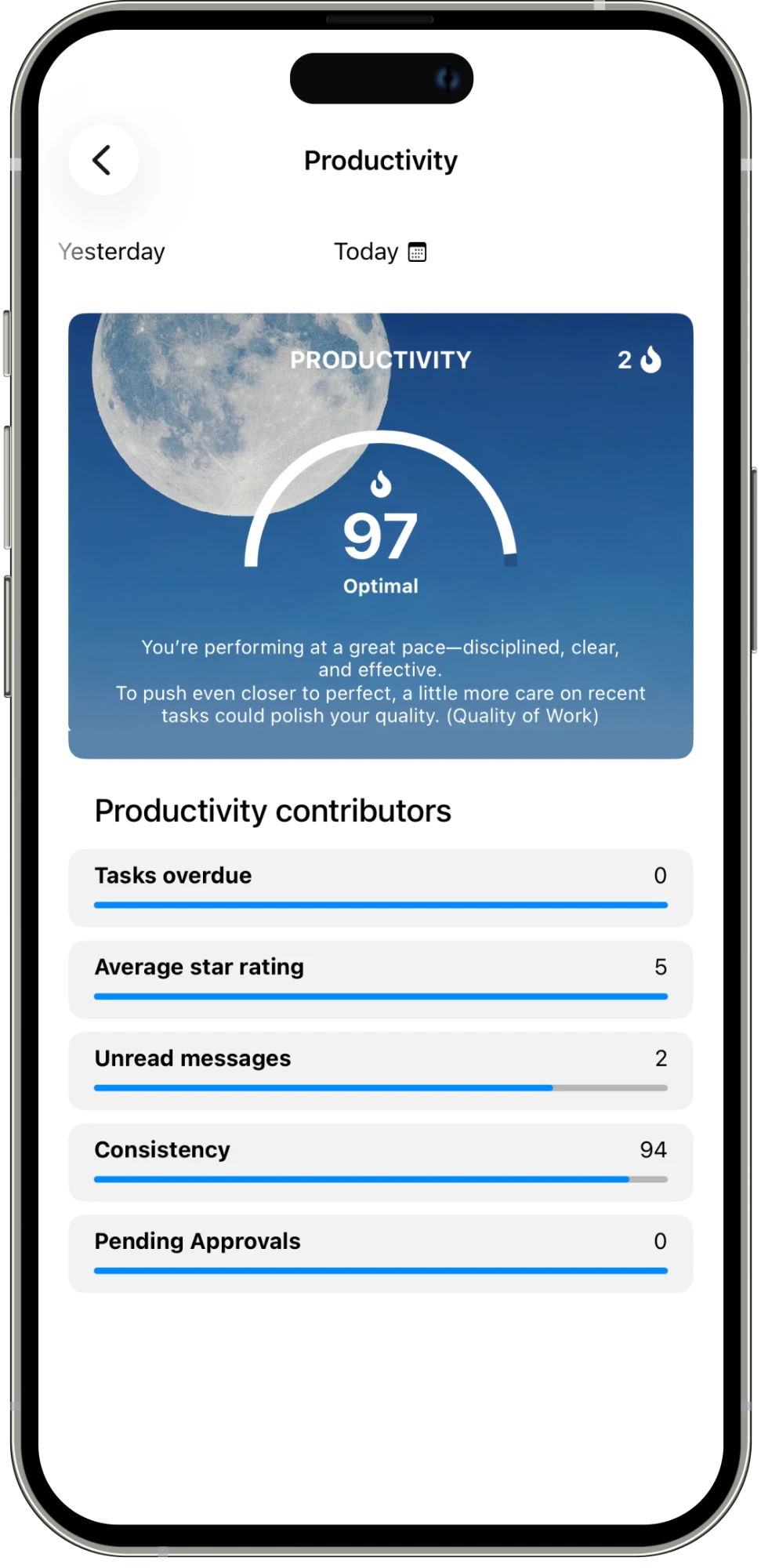
The calendar gives you a way to review time across days, rather than relying on memory at the end of a week. Pair that record with productivity and work reports when you want a broader review of the work. Time spent adds context; the completed task and its conversation explain the result. Together, they give a manager more information for discussing workloads and preparing the next round of routine work.
AN EVERYDAY EXAMPLE
Anna records two hours against “Prepare weekend staff schedule.” The task’s time tracker shows the total and the day it was recorded. During the next review, the manager can consider that effort alongside the finished schedule and the task conversation.
Assign work, set deadlines, and schedule tasks that repeat.
Explore feature →
Message your team and keep each task’s conversation with the work.
Explore feature →
Get updates and keep everyone informed in one place.
Explore feature →
Organize your work with folders and categories.
Explore feature →
Send pictures, share media, and attach the files your team needs.
Explore feature →
Create sheets, collect answers with polls, and turn steps into checklists.
Explore feature →
Send a location so your team knows where to go.
Explore feature →
Track the time spent on work.
Explore feature →
Measure productivity and review work reports.
Explore feature →
Try Please Do It with your team, or walk through your day-to-day workflow with us.