





Without shared checklists
- A multi-step request is easy to interpret differently.
- People ask which steps have already been done.
- Responses are scattered across individual messages.
- Routine information has no consistent structure.
PRODUCT
Create sheets, collect answers with polls, and turn steps into checklists.
30-day free trial. No credit card required.
Create sheets, ask your team for answers with polls, and put repeatable steps into a checklist. Keep the details together with the work they support.
01
Keep structured information together for the team.
02
Use a poll to gather responses from the people doing the work.
03
Turn a task into a checklist and see which steps are complete.
IN THE DETAILS
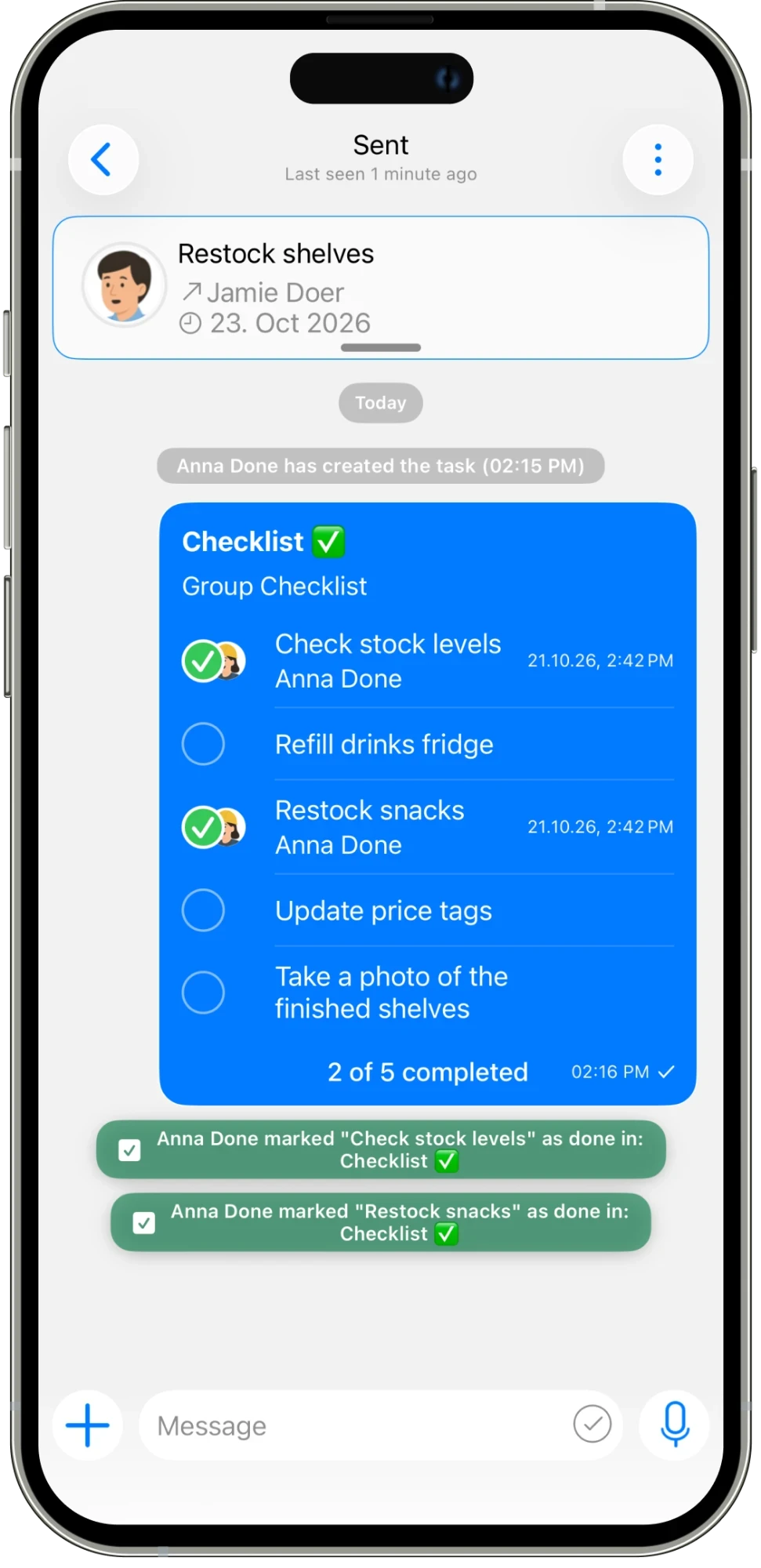
“Restock the shelves” can mean several things to different people. A checklist makes the steps visible: check stock, refill the drinks fridge, restock snacks, update price tags, and take a final photo. As items are checked off, the team can see how much is complete. A group checklist also shows who completed an item and when, giving the next person a clearer starting point when they pick up the work.
CONNECTED WORK
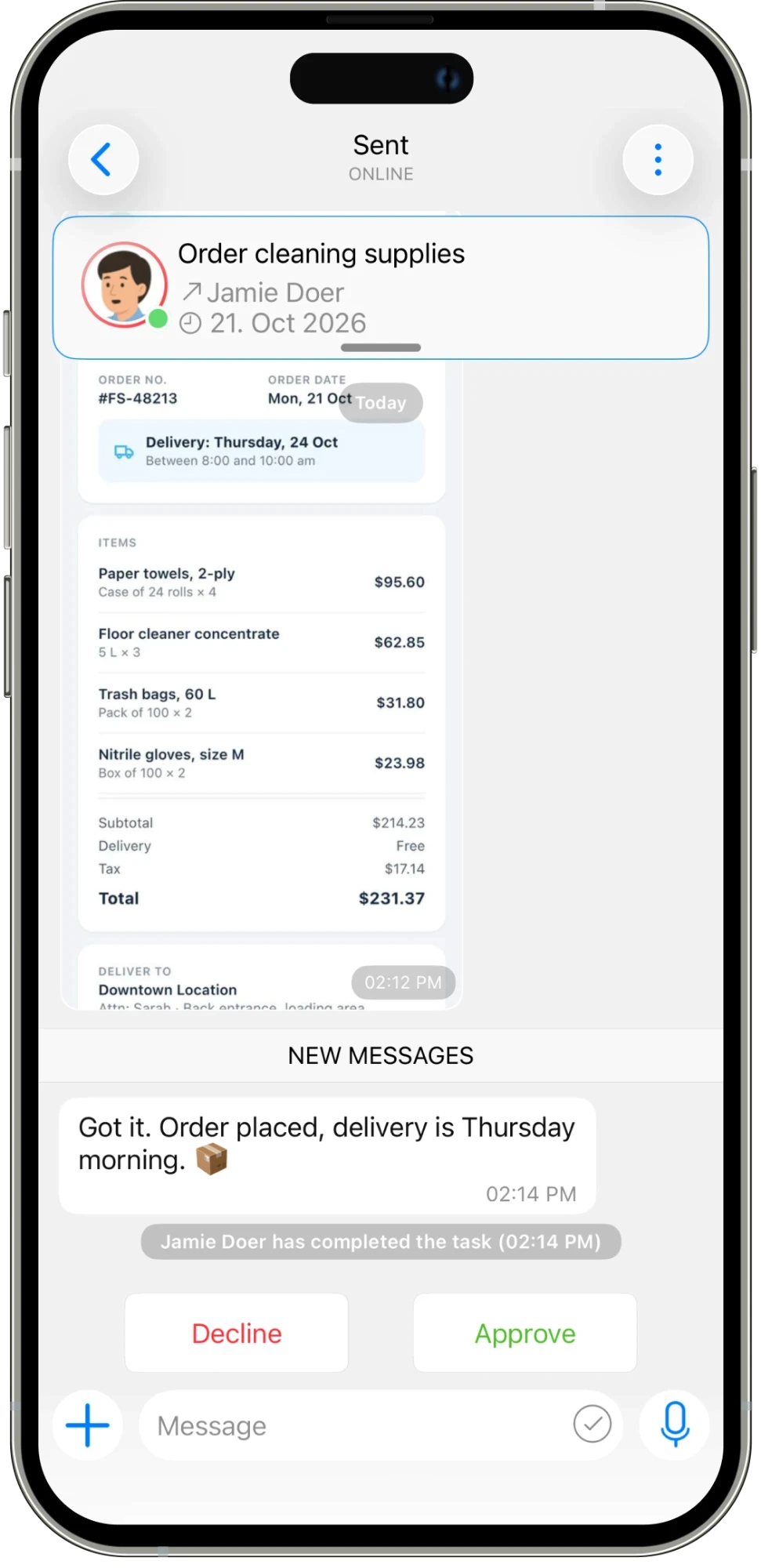
Not every task needs a checklist. Use a sheet when the information needs structure, or a poll when you need responses from the team. These tools sit alongside the task conversation, so the request, answers, and next steps stay connected. Use the format that matches the work: a checklist for a repeatable routine, a sheet for organized details, and a poll for a shared question.
AN EVERYDAY EXAMPLE
A shelf-restocking task contains a five-step group checklist. Anna checks off “Check stock levels” and “Restock snacks.” The task shows two of five items completed, with Anna’s name and completion times, so the remaining steps are clear to the team.
Assign work, set deadlines, and schedule tasks that repeat.
Explore feature →
Message your team and keep each task’s conversation with the work.
Explore feature →
Get updates and keep everyone informed in one place.
Explore feature →
Organize your work with folders and categories.
Explore feature →
Send pictures, share media, and attach the files your team needs.
Explore feature →
Create sheets, collect answers with polls, and turn steps into checklists.
Explore feature →
Send a location so your team knows where to go.
Explore feature →
Track the time spent on work.
Explore feature →
Measure productivity and review work reports.
Explore feature →
Try Please Do It with your team, or walk through your day-to-day workflow with us.