





Without a shared location
- A place name can be misunderstood.
- Directions are repeated in separate messages.
- Someone has to ask which entrance or building.
- The destination gets separated from the request.
PRODUCT
Send a location so your team knows where to go.
30-day free trial. No credit card required.
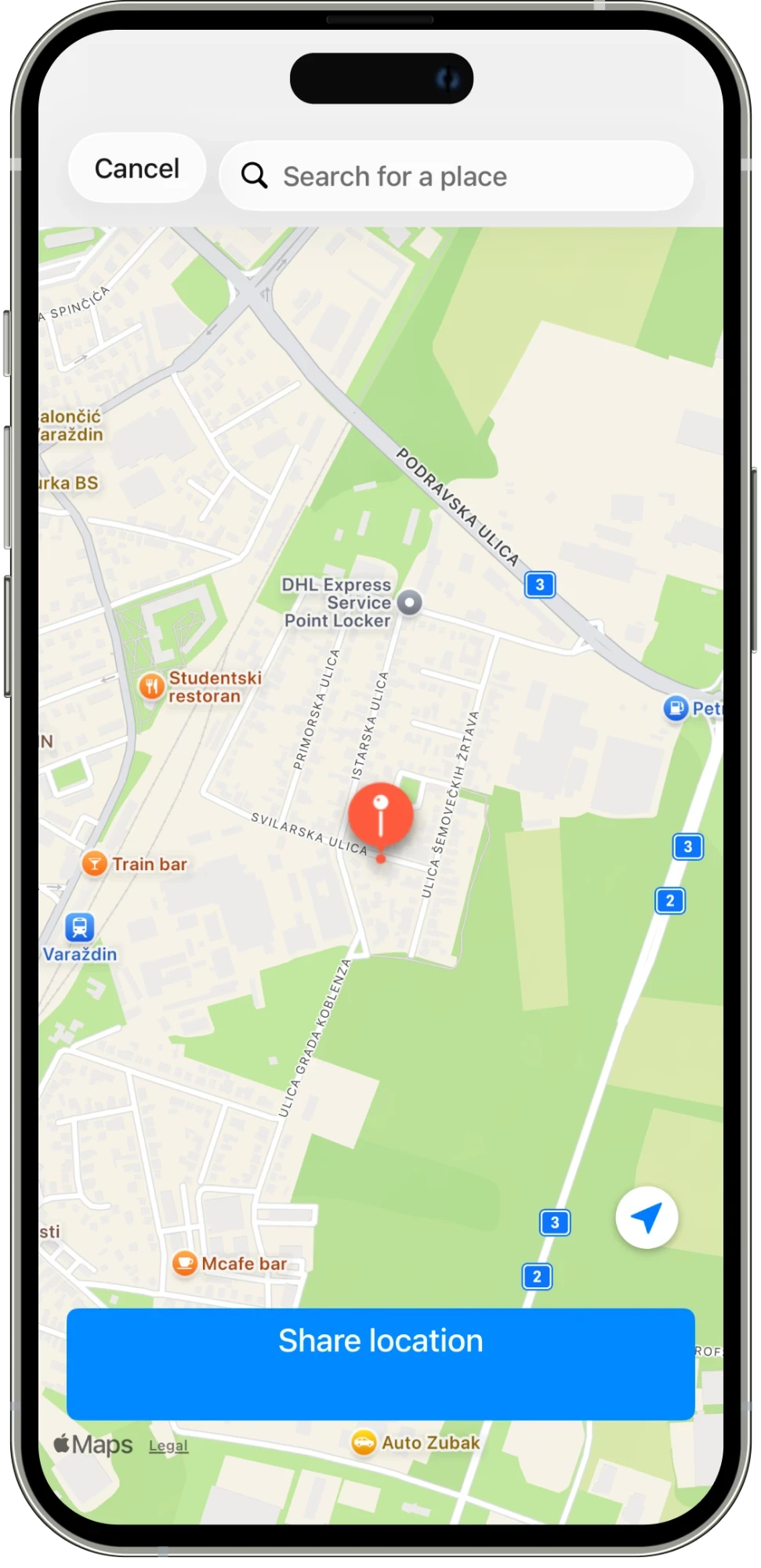
Share a location with the task so the team knows where the work needs to happen. Search for a place or select it on the map, then add it to the conversation.
01
Search for the place you want to share.
02
Use the map to confirm the location.
03
Send the location with the work so everyone has the same reference.
IN THE DETAILS
For work on the ground, the destination is part of the instruction. Search for a place or select a point on the map, check the location, and share it with the task. The receiver gets a clearer reference than a place name on its own. Add a short message when the task needs an entrance, meeting point, or other detail. The map and the explanation can support the same request.
CONNECTED WORK
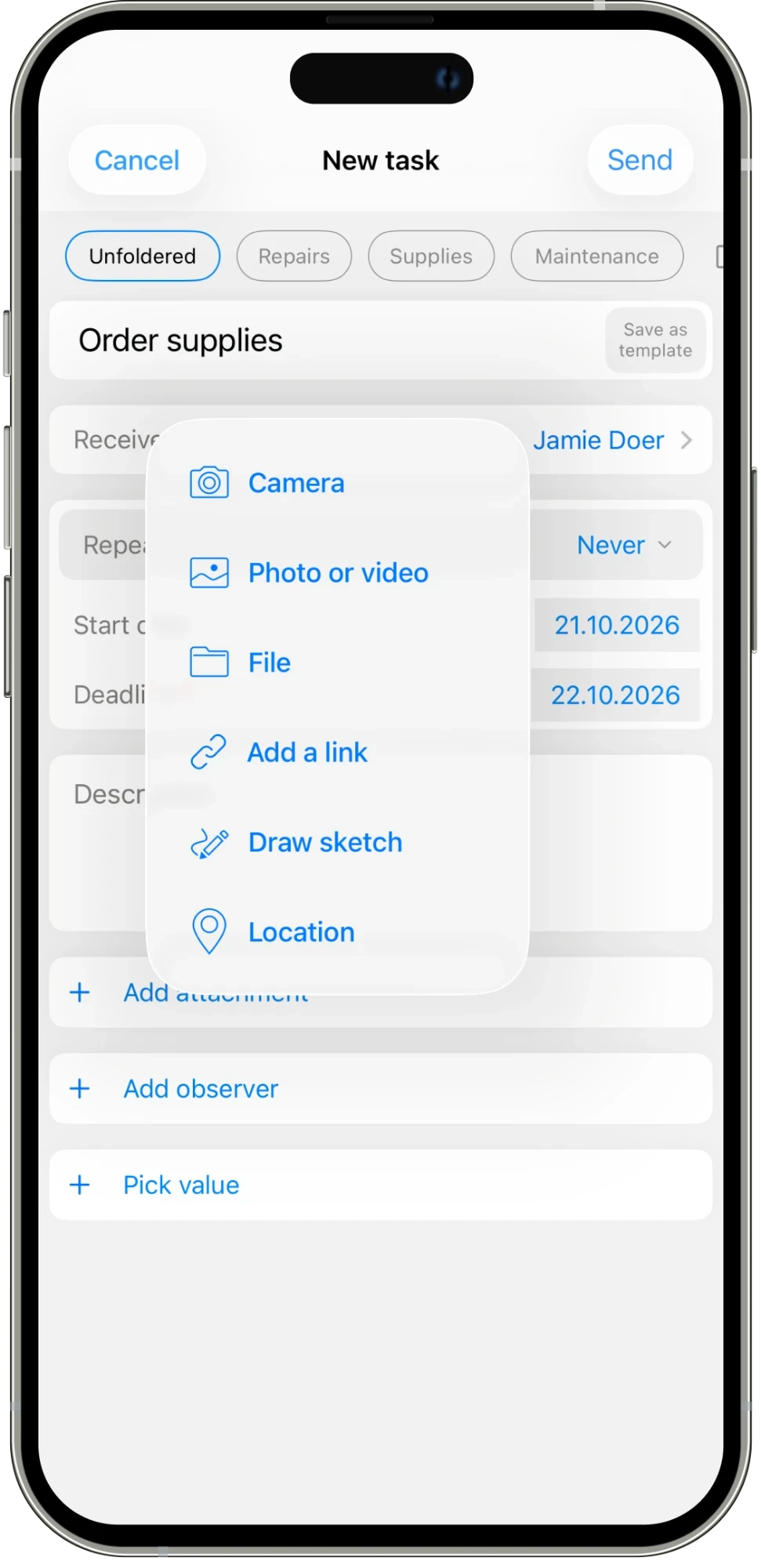
The attachment menu includes a location option, so a destination can be shared alongside photos, files, and updates. Use it for a delivery point, a place that needs checking, or a site where a task needs to happen. The location stays connected to the discussion instead of becoming a separate message the team has to find again. It is a simple way to give instructions a shared point of reference.
AN EVERYDAY EXAMPLE
A manager asks a team member to visit a particular site. The task includes a shared map location and a message about the meeting point. The receiver can refer to the same destination while reading the instructions and posting updates.
Assign work, set deadlines, and schedule tasks that repeat.
Explore feature →
Message your team and keep each task’s conversation with the work.
Explore feature →
Get updates and keep everyone informed in one place.
Explore feature →
Organize your work with folders and categories.
Explore feature →
Send pictures, share media, and attach the files your team needs.
Explore feature →
Create sheets, collect answers with polls, and turn steps into checklists.
Explore feature →
Send a location so your team knows where to go.
Explore feature →
Track the time spent on work.
Explore feature →
Measure productivity and review work reports.
Explore feature →
Try Please Do It with your team, or walk through your day-to-day workflow with us.